How you use it
Name it and start counting
Tap Add a row after each row. Tapped twice? Undo last row takes it back.
New project › name it › start
After one row Count without unlocking
Put your count on the Lock Screen and add rows with +, without unlocking. The next row's note comes too.
Count on Lock Screen, then lock your iPhone
From the Lock Screen Give the tricky part its own counter
Name a counter Cable. Keep Counts with my rows on, set Repeats every to 6, turn on Remind me at the end and enter “Cross the cable”.
••• › Extra counters › Add counter
Your place in the repeat Notes arrive before the row
Add a note to row 6. It appears when row 6 is next and stays until you add row 6.
••• › Row notes › Add note
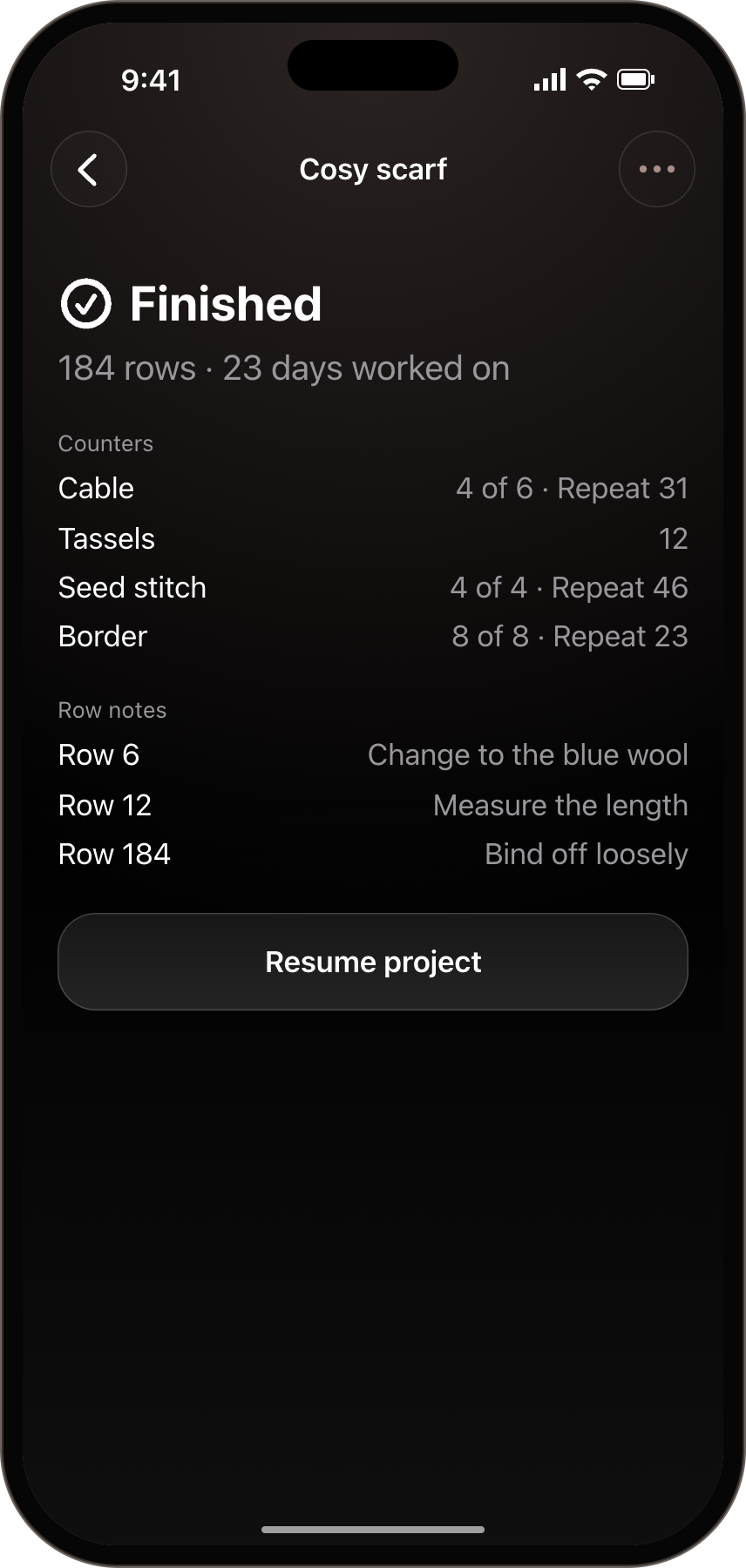
Before you start row 6 Finish, with every count kept
Mark it finished. Rowwise keeps rows, days, counters and notes. Finished projects don't use a free slot.
••• › Mark as finished. Open it later under Finished.
After 23 days of work